You can install the Apptimus app:
Android Devices
Prerequisites
To use the Apptimus app on your Android phone, your phone must have:
- Android version 9 or higher
- Memory – 2GB or higher
- Internet connectivity
Installing the Apptimus App from Playstore
- On your phone or tablet, search for Google Play Store.
- Tap the Play Store
 to open it .
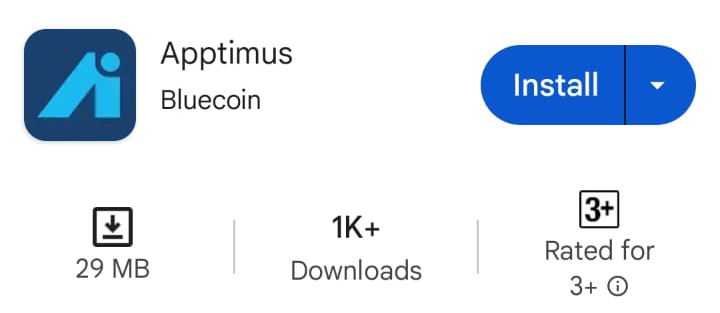
- In the search bar at the top of the screen, type Apptimus and tap the search icon
 .
- Against the Apptimus app, tap Install and follow the on-screen instructions.
Installing the Apptimus App by Scanning a QR Code
- Scan the following QR code to install the Apptimus app on your Android device.
iOS Devices
Prerequisites
To use the Apptimus app on your Apple phone, your phone must have:
- iOS version 13.0 or higher.
- Memory – 2GB or higher
- Internet connectivity
Installing the Apptimus App from the App Store
- On your phone or tablet, tap Search .
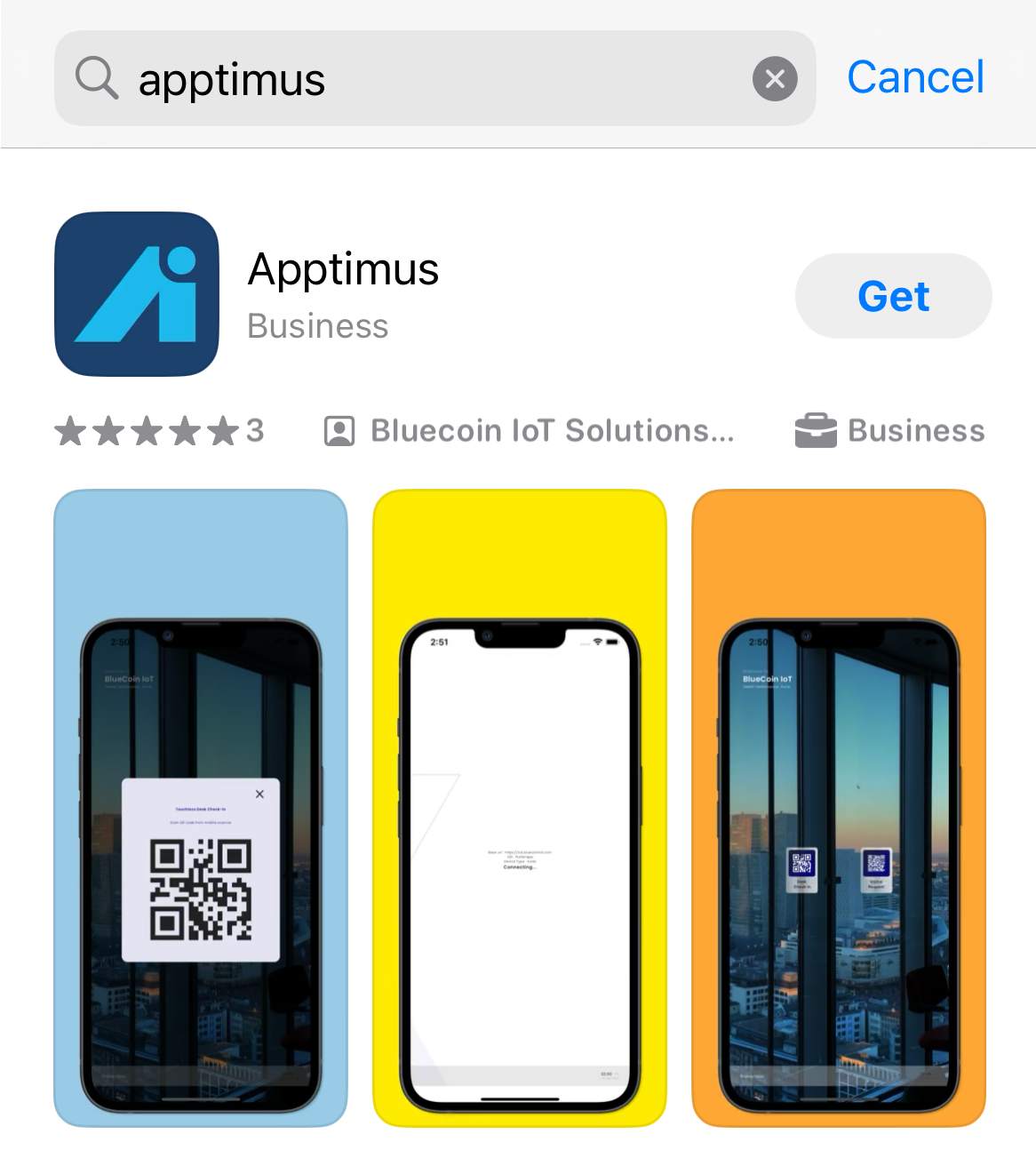
- In the search bar at the top of the screen, type Apptimus and tap the Search on the onscreen keyboard.
- Against the Apptimus app, tap Get and follow the on-screen instructions.
Installing the Apptimus App by Scanning the QR Code
- Scan the following QR code to install the Apptimus app on your iOS device.