
In this section, you will learn how to:
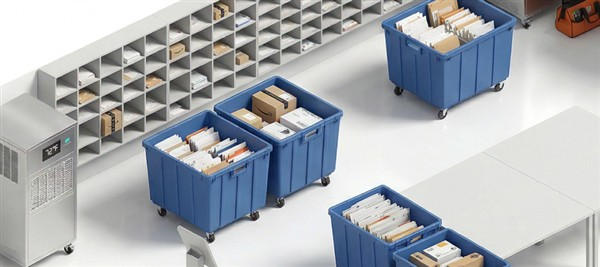
An organization receives various types of mails, including letters, documents, product samples, boxes, and more. To facilitate easy identification and tracking, you can categorize the mail into different types. Additionally, you can define different box sizes to further organize and manage the mail efficiently.
Creating a Mail Type
- In the Main Menu, under Admin Options, in the Mailroom Management subsection, click Type.
The Mail Type page is displayed with a list of existing mail types, if any. - Click Add Type.
- Enter the required field information.
Field Description Name*
Enter a name for the type of mail.
For example: Letters
Help Text
Enter a short description of the mail type.
Active
Select the checkbox to make this mail type active.
- Click Save.
Editing a Mail Type
- In the Main Menu, under Admin Options, in the Mailroom Management subsection, click Type.
The Mail Type page is displayed with a list of existing mail types. - Under the Action column, click the edit icon against the mail type you want to edit.
- Update the required details. For field information, refer to Creating a Mail Type.
- Click Save.