
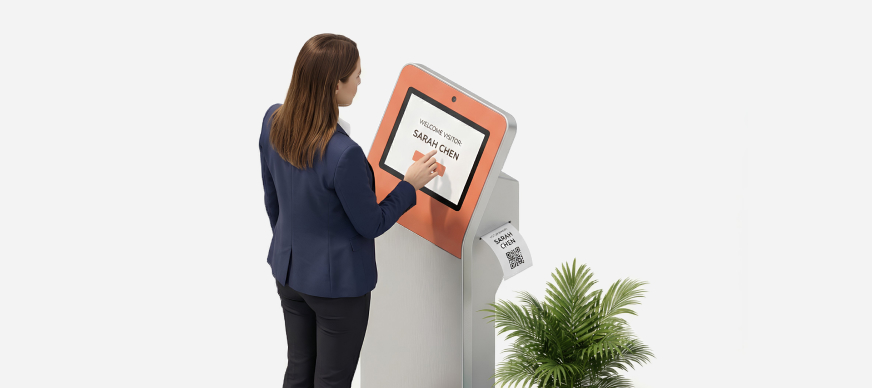
The CheckIns feature functions as a security or reception dashboard for managing visitors entering the facility. It tracks check-in activities, displaying the number of expected visitors, those who have checked in, visitors currently on the premises, and those who have checked out. The visitor information shown on the dashboard is for the current day and resets at 12:00 am for that location. Additionally, it shows alert messages for visitors who have stayed beyond the allowed duration.
To access the Visitor Security Checkins page:
- In the Main Menu, under the ADMIN OPTIONS, in the Visitor subsection, click CheckIns.
The Visitor Security Checkins page is displayed with the following information:
|
Visitor Summary Panel |
|
|
TODAY’S EXPECTED VISITORS |
Displays the number of visitors expected to visit the facility (with valid visitor invites). |
|
VISITORS ON PREMISE |
Displays the numbers of visitors currently checked into the facility. Note: This number may include the visitors that were checked in at an earlier date but were not checked out. |
|
VISITORS CHECKED IN TODAY |
Displays the number of visitors checked in on the current day. |
|
VISITORS CHECKED OUT TODAY |
Displays the number of visitors checked out on the current day. |
|
Visitor View Panel |
|
|
Default Today’s Mode |
This tab is open by default and displays:
Note: For details, click here. |
|
All Checked in Visitors |
This tab lists all the visitors who have not been checked out of the facility. Note: For details, click here. |
|
Advanced Mode |
This tab lists all visitor check-ins and check-outs at the facility and allows you to search visitors based on name, mobile number, date range, and more. Note: For details, click here. |
|
Visitor Alert |
Displays alerts for visitors who have not been checked out even after crossing the defined visit duration threshold. |
|
|
Refreshes the page. |

As a Facility Admin, you can: