
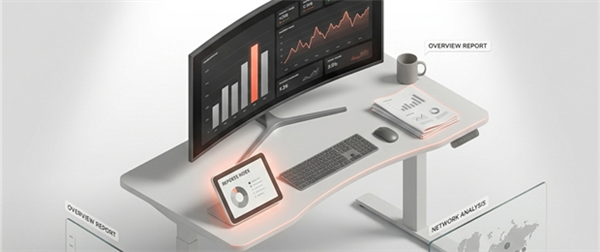
The Insight module allows you to define custom rules based on data collected from various systems operating within a facility—such as HVAC, lighting, meeting room usage, desk bookings, and more. Based on how these rules are defined, alarms or notifications can be automatically raised when certain conditions are met. These systems provide real-time information through specific data points—for example, temperature or on/off status in HVAC. By monitoring these data points, the module enables timely actions such as adjusting the temperature, turning on lights, preparing meeting rooms, or alerting staff—enhancing comfort, efficiency, and overall facility management.
For example, consider a meeting room that is typically unused but has a scheduled meeting starting in 30 minutes. A rule can be defined to raise an alert in such cases, notifying an admin via SMS or email to prepare the room—such as turning on the AC, switching on the lights, cleaning the room, or placing water bottles.
In another scenario, if a meeting is currently in progress and the AC system reports that the room temperature has risen above a defined threshold, a rule can trigger an alert. This notification prompts the responsible personnel to take corrective action—such as inspecting the HVAC system or adjusting the temperature—to ensure a comfortable environment.
The Insight module allows you to: