
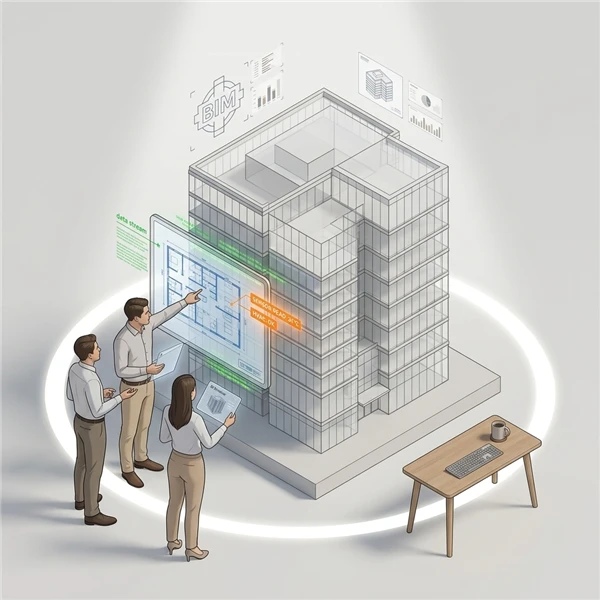
Once you have added all the required models to a digital twin, configured the default views (if any), you can now view the digital twin.
- In the Main Menu, under the ADMIN OPTIONS, in the Digital Twin subsection, click Views.
The digital twin viewer page opens in a new browser tab. - In the Select Digital Twin pop-up, select the digital twin to be viewed.
- Click Select.
The selected digital twin is displayed with the preconfigured default view. In case a default view was not configured, the view is empty. - In the Select View dropdown, select the view to be loaded for the model.
The Select Model pop-up window is displayed. - Select the mode in which the digital twin model should be loaded:
- Online: The .xkt file is fetched from the server.
- Offline: The .xkt file can be uploaded from your computer.
The digital twin model is displayed. You can use your mouse to manoeuvre the model and move it in all directions. You can also zoom in and out to view specific areas of the model. The model also displays details of each component defined in the digital twin model when you hover your mouse over it.