
The Navigation module provides an efficient way to identify the quickest route between two locations within an office campus, making it especially useful for guiding visitors to your office. For instance, if a guest is coming to meet you, you can quickly retrieve directions from the reception area to your desk or a meeting room using the Navigation module and share them to facilitate their arrival.
Additionally, the navigation feature allows users to find the shortest path to various destinations within a facility. For example, if you are in an unfamiliar office building and need to locate the nearest restroom, the module will display directions to the closest restroom from your current location.
To search a navigation path:
- On the Dashboard screen, tap Navigation.
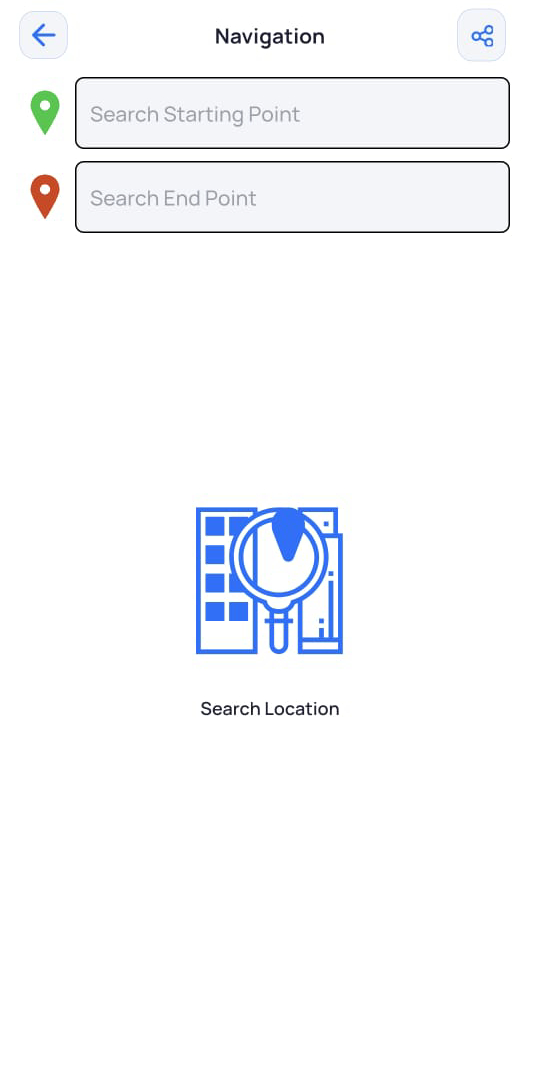
The Navigation screen is displayed. - Select the starting and ending points to generate the required navigation path.
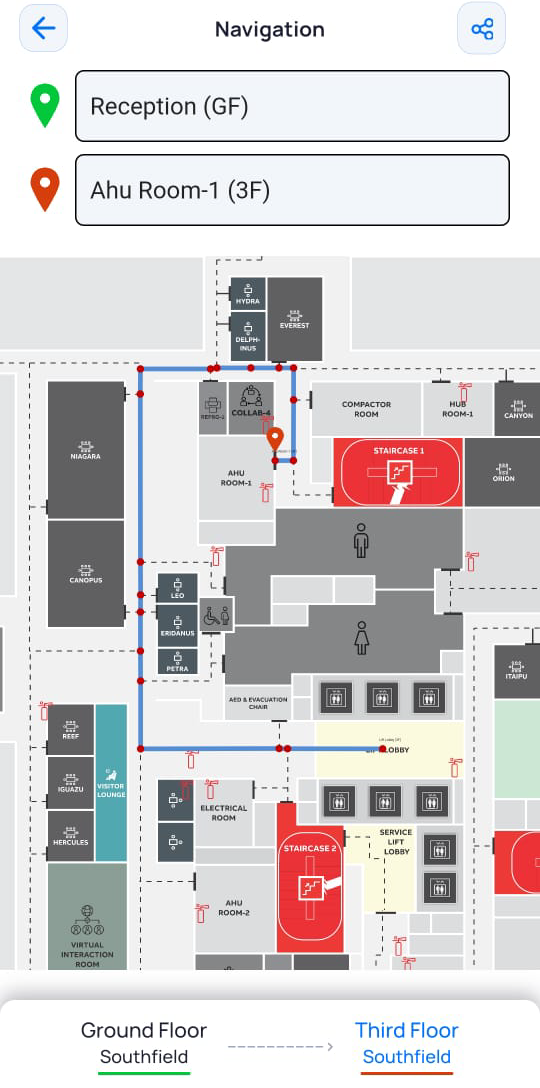
The floor plan is displayed with a highlighted path showing how to reach your destination from your starting point.
- To share this navigation, in the top right corner of the Navigation screen, tap
 , and then select the required app on your phone to send the link (such as WhatsApp, Snapchat etc). Alternatively, you can copy the link and open it in your browser.
- If the starting and ending points are on different floors, tap the next floor.
The floor plan of the next floor is displayed with the corresponding directions.