
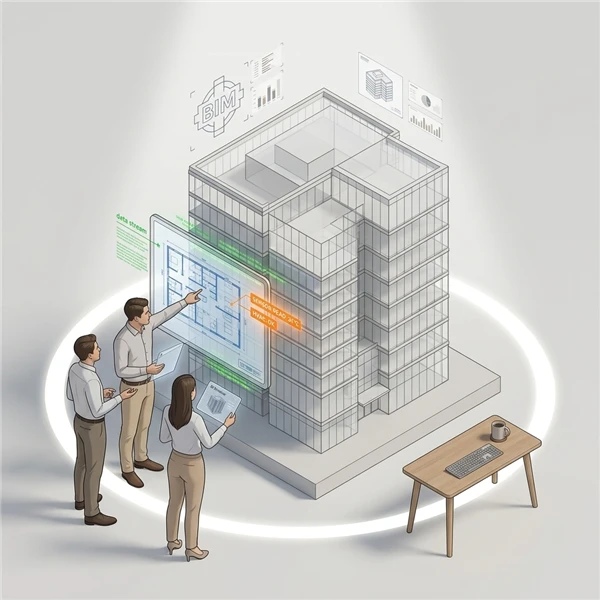
When creating a 3D model, a hierarchical structure is established to represent the relationships between various components. For example, within the hierarchy, a building may contain multiple floors, each floor may encompass specific rooms such as meeting rooms, and within those rooms, individual items like chairs may be located. However, during the process of uploading the BIM model and its associated metadata, this hierarchical structure can sometimes become disorganized.
To maintain the integrity of the hierarchy, it is essential to recompute and validate the relationships between components. This process involves systematic review of the model in the backend to ensure that all elements are accurately positioned within their respective levels of the hierarchy
- In the Main Menu, under the ADMIN OPTIONS, in the Digital Twin subsection, click Digital Twin.
The Digital Twin page is displayed. - Under the Action column, click Model for the corresponding digital twin.
The Model page opens in a new browser tab. - Under the Action column, click the
 icon for the required digital twin model.
- On the Model page, click Recompute Parent.
The. xkt and metadata files are recomputed to maintain hierarchy.