
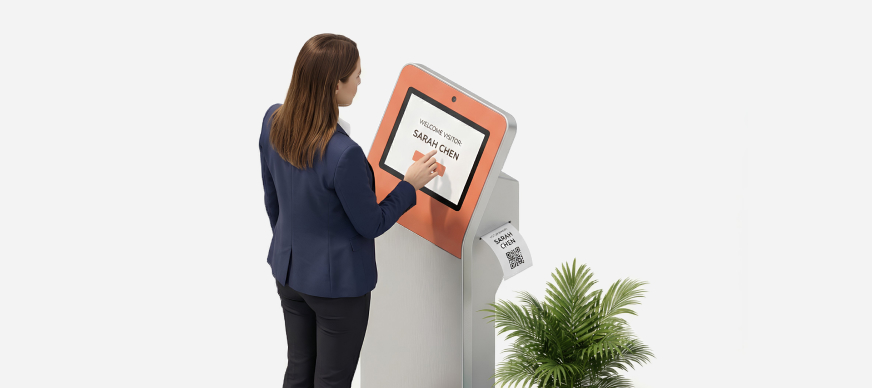
In some instances, a visitor may arrive at the campus and raise a visit request at the kiosk to meet an employee. The host receives a notification on the mobile app, which they can approve or reject, as required.
To approve/reject a visit request:
- On the Dashboard screen, tap Visitor Management.
The Visitor Management screen is displayed with the Upcoming tab open. - Tap Requests Pending Approval.
The Invitation Details screen displaying the details of the visitor request. - Tap Accept or Reject, as required.