
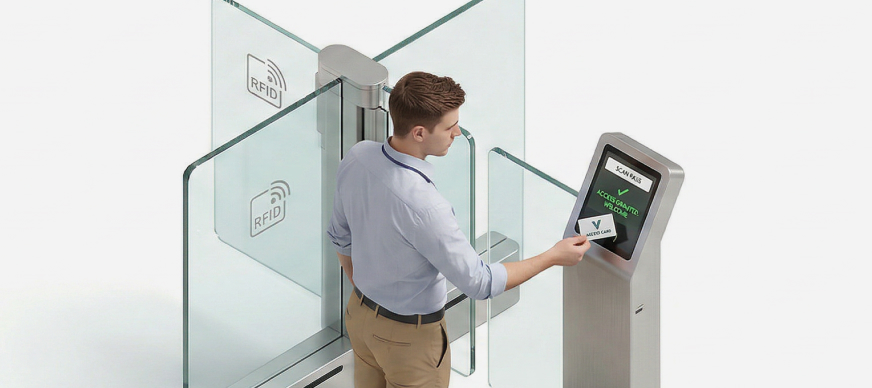
The Entry Management module provides a centralized view of all past, current, and upcoming entry requests, as well as entries that you have issued, approved, or rejected. It allows you to filter entry requests based on their status and date. You can also apply filters for entries that you issued, approved, or rejected.
- On the Dashboard screen, tap Entry Management.
The Entry Management screen with the My Entries tab open by default is displayed, with the following information:Field Description Validity
Displays the duration of the entry request. Passcode
Displays the system generated pass code for the entry request. Host
Displays the name of the host who will approve/reject the entry request. Created By
Displays the name of the person who created the entry quest. Created Date
Displays the date on which the entry request was created. Status
Displays the status of the entry request. Action
Allows you to cancel the entry request.