
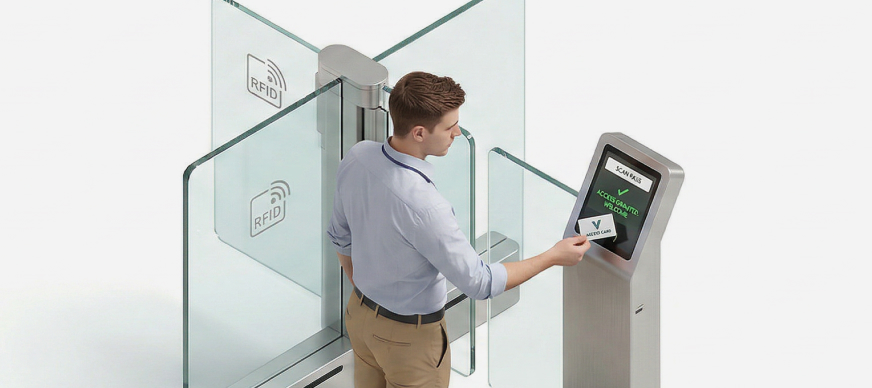
If an employee fails to check out of the premises within the specified time, the system automatically generates an alert. The security admin can then manually check out any employees who have remained on-site beyond the approved time frame, ensuring that no unauthorized stay happens.
To check-out the employee:
- In the Main Menu, under the ADMIN OPTIONS, in the Entry Management subsection, click Temporary ID.
The Temporary ID page with details of all check-ins and check-outs is displayed. - Under the Action column, click the
 icon.
The Employee Check-in pop-up window is displayed. - Enter a Checkout Comment, if required, and then click Check Out.
The employee is checked out of the campus.