
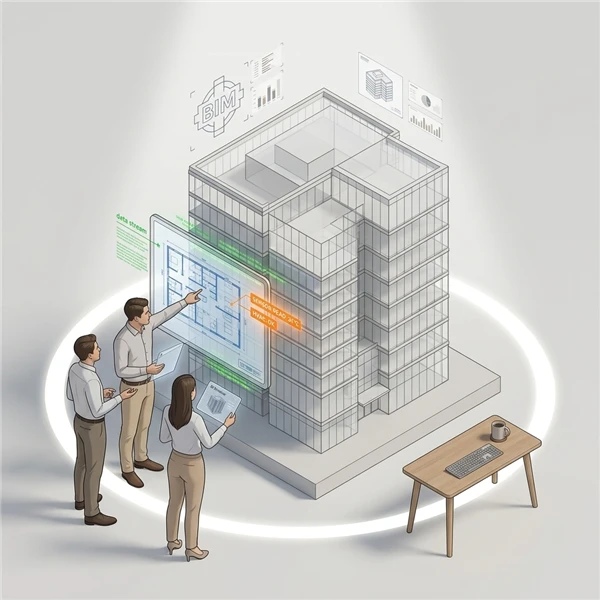
When viewing the digital twin model, clicking on a component will display its associated metadata. If reference components have been added for this component in the metadata file, their names will also be listed as part of the metadata. Clicking on a component will open a new pop-up window that displays the metadata of the referenced components. This allows you to view the metadata for all referenced components simultaneously on one screen, which is particularly helpful for diagnostics.
The following actions can be performed here:
- To copy the metadata, click the
 icon.
- To navigate to the referenced component on the model, click the
 icon.