
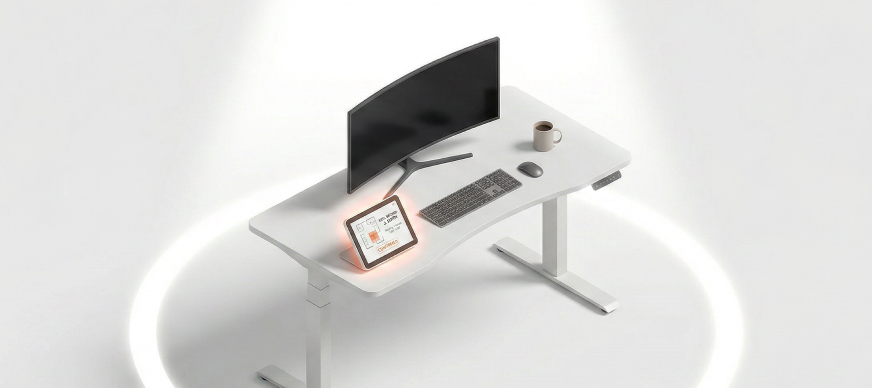
A desk can be equipped with various devices essential for daily tasks, such as laptops, printers, and other peripherals. By ensuring desks are equipped with necessary devices, organizations enhance productivity and facilitate seamless workflow management.
To associate desks with devices:
- In the Main Menu, under ADMIN OPTIONS, in the Facility subsection, click Desk Device Associate.
The Desk Device Association page is displayed. - In the left pane, select the building and floor.
The corresponding floor plan is displayed. - In the Associate Device With field, select the device type that you want to associate with a particular desk.
The list of configured devices is displayed. - Select a device from the list.
- On the floor plan, right click a desk and then select Associate with <device type>.
The desk is associated with the device successfully. - To disassociate a device, right-click the desk and select Deassociate from <device type>.
The device is disassociated successfully.