
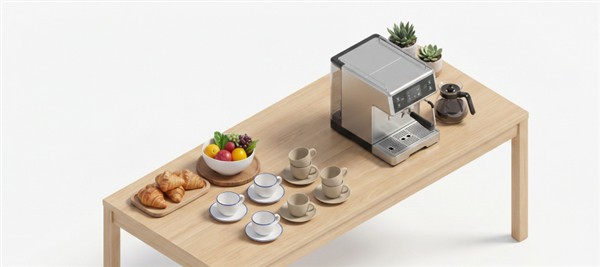
You can place a pantry order from your workstation, meeting room, or any designated area that the pantry caters to. You can place two types of orders:
- Non-Personalized: This order type is ideal for ordering items for yourself or for a group. In a group order, the same items are ordered for everyone, for example, tea or coffee. For steps on how to place a non-personalized order, click here.
- Personalized: This order type is ideal for ordering specific items for a group, especially during conference meetings or corporate events. It allows you to order specific items for each guest, with each menu item linked to their name and seat number. This makes it easy for the pantry staff to deliver the correct items to each guest based on their seat number without causing any disruption during the meeting. For steps on how to place a personalized order, click here.