The desk bookings for the current day are shown on the Dashboard screen, under Today’s activities.
Note: Today’s activities will be displayed only if there are any active bookings.
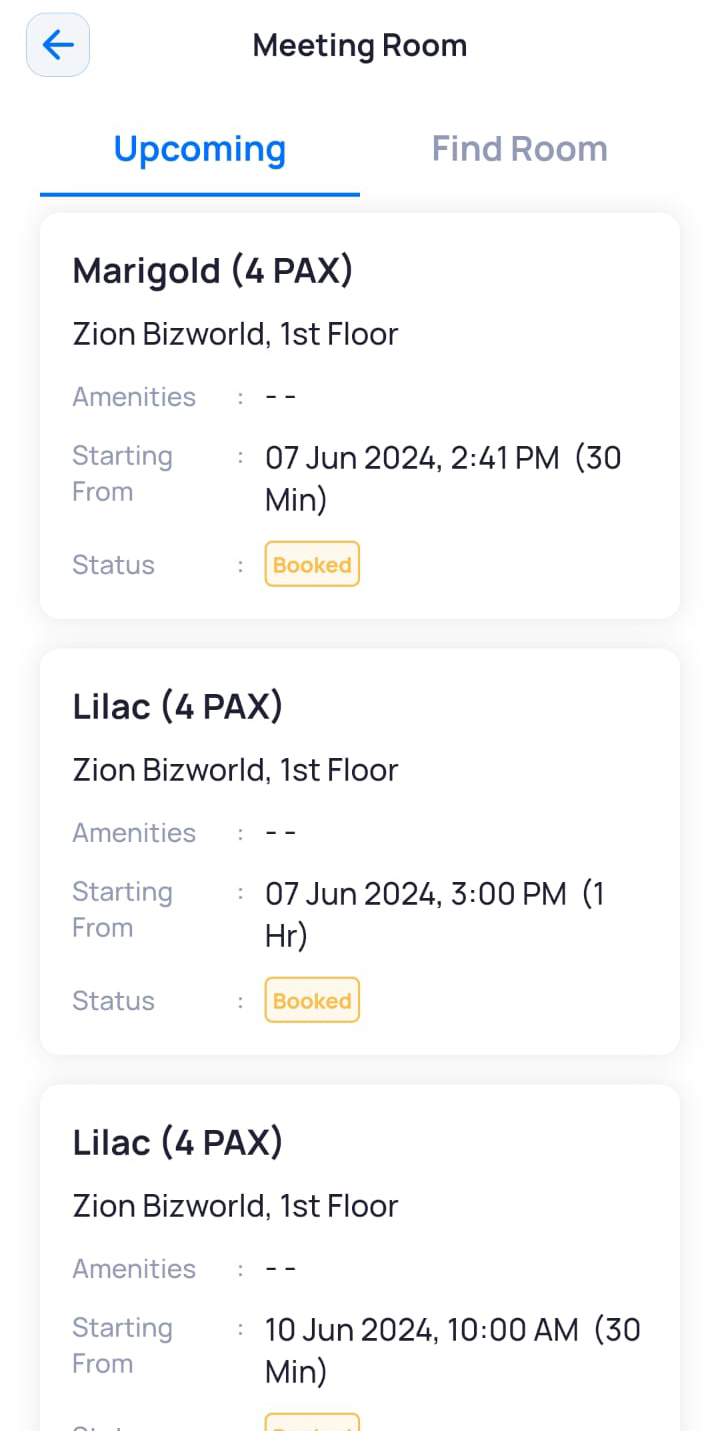
You can also view meeting room bookings inside the Meeting Room module.
- On the Dashboard screen, tap Meeting Room.
The Meeting Room screen is displayed with the Upcoming tab open. By default, Upcoming is selected and displays all your upcoming meeting room bookings.
Note: If the meeting room booking requires an approval, it will not be displayed under the Upcoming tab until it has been approved.