
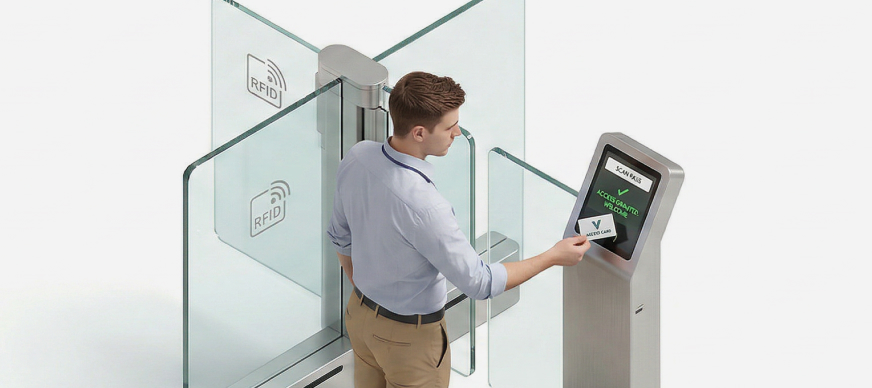
This feature serves as a checkpoint for security personnel to efficiently manage entry and exit. This includes raising new requests for entry into a specific office campus or accepting/rejecting entry request raised for your approval. Once an entry is approved, the system automatically generates a unique passcode for the visitor. This passcode is required during check-in and serves as a secure method to grant access.
To request entry:
- On the Dashboard screen, tap Entry Management.
The Entry Management screen with a list of previous entries is displayed. - Under My Entries, tap Request Entry.
The Request Entry screen is displayed.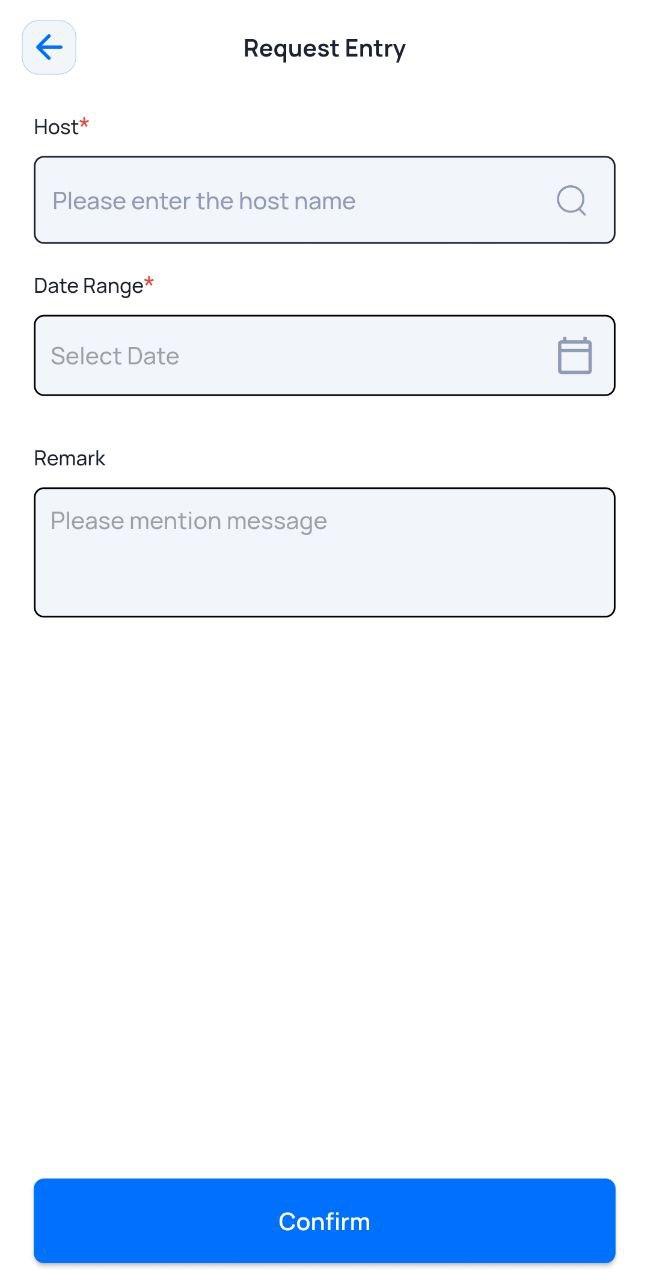
- Enter or select the required field information.
Field Description Host*
Enter the name of the host who will approve/reject your entry request.
Date Range*
Select the date(s) for which you are requesting entry.
Remark
Enter a remark, if required.
- Tap Confirm.
The confirmation message of the new entry request is displayed. - Tap OK.
This status is marked as Pending approval by host. Once the host either accepts or rejects the request, the status is updated accordingly.